WoowBot reduces cart abandonment by talking to shoppers at the exact moment they hesitate—answering questions, recovering lost carts, offering help, and guiding users smoothly to checkout inside your WooCommerce store.
If you run a WooCommerce store, cart abandonment is silently killing your revenue.
Most stores lose 60–80% of carts before checkout.
This guide explains—clearly and practically—how WoowBot fixes that problem.
I’ll keep it simple.
No fluff.
No hype.
Just real explanations, examples, and strategies you can actually use.
What Is Cart Abandonment (And Why Should You Care)?
Cart abandonment happens when a shopper adds products to the cart but leaves without buying.
In WooCommerce, this usually means:
- They viewed products
- Added to cart
- Reached cart or checkout
- Then… disappeared ❌
Why cart abandonment is dangerous
Because:
- You already paid for traffic (ads, SEO, effort)
- The buyer showed clear intent
- Losing them hurts more than losing a visitor
Industry average cart abandonment rate:
👉 Around 70% (Baymard Institute)
That means:
- For every 10 interested buyers
- Only 3 complete the purchase
WoowBot exists to bring the other 7 back.
Why Do Shoppers Abandon WooCommerce Carts?
Before fixing the problem, let’s be honest about the reasons.
The most common causes
- Unexpected shipping costs
- Confusing checkout
- No quick answers to questions
- Slow response from support
- Payment or trust issues
- Distractions (mobile users especially)
- “I’ll come back later” mindset
Most of these issues happen in real time.
And that’s where chatbots outperform email popups and banners.
What Is WoowBot?
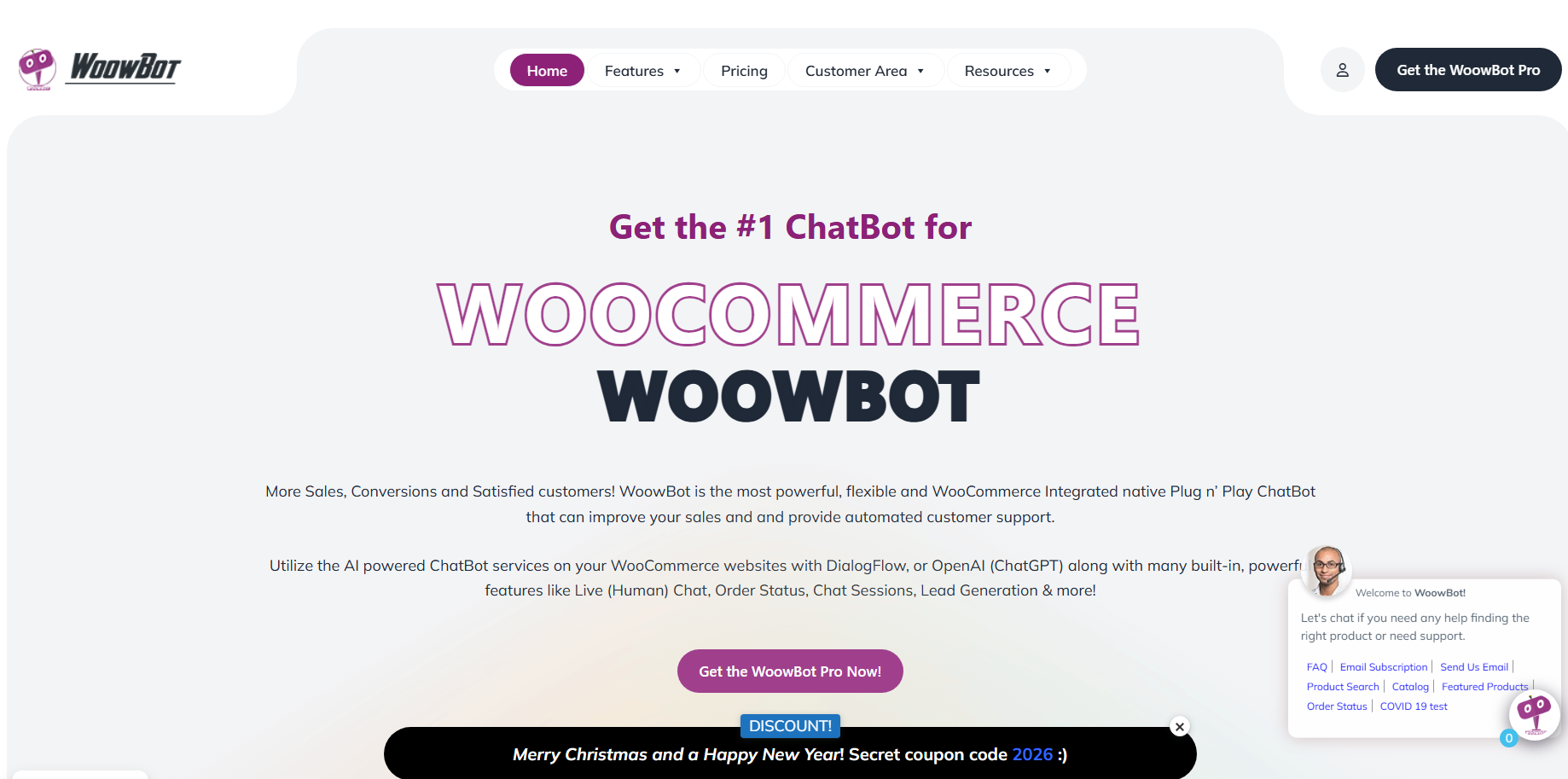 WoowBot is an AI-powered WooCommerce chatbot built specifically for WordPress.
Unlike generic chat tools, WoowBot:
- Understands WooCommerce data
- Knows products, prices, stock, cart contents
- Talks to shoppers inside the buying journey
Think of WoowBot as:
A 24/7 smart sales assistant sitting inside your store.
How Does WoowBot Reduce Cart Abandonment? (Big Picture)
WoowBot reduces cart abandonment by doing five critical things:
- Engaging shoppers before they leave
- Answering purchase-blocking questions instantly
- Recovering abandoned carts automatically
- Removing checkout confusion
- Rebuilding trust at the last moment
Let’s break these down one by one.
How Does WoowBot Engage Shoppers Before They Leave?
Most abandoned carts happen because nobody talks to the shopper.
WoowBot fixes that.
Real-time engagement triggers
WoowBot can:
- Detect cart activity
- Detect hesitation
- Trigger messages at the right moment
Examples:
- “Need help before checkout?”
- “Have a question about shipping?”
- “Still deciding? I can help.”
These messages feel:
- Non-pushy
- Context-aware
- Helpful (not spammy)
Timing matters more than wording.
WoowBot gets the timing right.
How Does WoowBot Answer Questions That Stop Purchases?
Most shoppers abandon carts due to one unanswered question.
Common buyer questions
- “Is this product compatible with my site?”
- “How long does delivery take?”
- “Is there a refund policy?”
- “Does this include updates?”
- “Is this safe to pay for?”
WoowBot handles these using:
🔹 Product-aware responses
WoowBot knows:
- Product details
- Prices
- Variations
- Stock status
So instead of guessing, it answers accurately.
🔹 Knowledge base + AI
WoowBot can be trained using:
- FAQs
- Documentation
- Store policies
- Custom Q&A
Result:
- No waiting
- No ticket submission
- No abandoned cart
How WoowBot Recovers Abandoned Carts Automatically
This is where WoowBot really shines.
What is cart recovery?
Cart recovery means:
- Tracking abandoned carts
- Re-engaging users
- Bringing them back to checkout
WoowBot’s cart recovery methods
1️ On-site reminders
If a user:
- Adds products
- Stays inactive
- Moves toward exit
WoowBot can say:
“You left items in your cart. Want help finishing your order?”
Simple. Effective.
2️ Cart-aware messaging
WoowBot can reference:
- Product name
- Cart total
- Quantity
Example:
“You still have WPBot Pro in your cart. Need help before checkout?”
Personalized messages convert better.
WoowBot does this automatically.
3️ Email-based cart recovery (optional)
WoowBot integrates with WooCommerce cart recovery flows:
- Capture email (with consent)
- Send reminder emails
- Include cart restore links
This turns “lost carts” into warm leads.
How WoowBot Reduces Checkout Confusion
Checkout confusion kills conversions.
Common WooCommerce checkout problems
- Too many fields
- Unclear steps
- Payment method confusion
- Coupon errors
How WoowBot helps at checkout
WoowBot can:
- Explain checkout steps
- Help apply coupons
- Clarify payment options
- Guide users step-by-step
Example:
“You can pay using Stripe or PayPal. Want help choosing?”
This reduces anxiety, which increases conversions.
How WoowBot Builds Trust at the Last Moment
Trust is fragile at checkout.
WoowBot reinforces trust by:
🔹 Showing instant human-like help
A visible chat assistant means:
- Store is active
- Support exists
- Someone cares
🔹 Explaining policies clearly
WoowBot can instantly explain:
- Refund policy
- Warranty
- License terms
- Delivery timeline
🔹 Offering live chat escalation
With WoowBot Live Chat:
- Human agents can jump in
- Use Slack or classic live chat
- Save the sale in real time
Live chat + chatbot = maximum cart recovery.
WoowBot Features That Directly Reduce Cart Abandonment
Here’s a clear breakdown.
Core WoowBot features
- ✅WooCommerce product awareness
- ✅Cart detection
- ✅Abandonment triggers
- ✅AI-powered responses
- ✅FAQ training
- ✅Multilingual support
- ✅Live chat escalation
- ✅Email capture
- ✅Analytics & conversation logs
Every feature exists to keep users engaged until checkout.
WoowBot vs Traditional Cart Recovery Tools
| Feature | WoowBot | Email-Only Tools |
| Real-time help | ✅ Yes | ❌ No |
| Product awareness | ✅ Yes | ❌ No |
| Checkout guidance | ✅ Yes | ❌ No |
| Instant answers | ✅ Yes | ❌ No |
| Live chat | ✅ Yes | ❌ No |
| Works before abandonment | ✅ Yes | ❌ No |
Email works after abandonment.
WoowBot works before and after.
How WoowBot Works Inside a WooCommerce Store (Step-by-Step)
Step 1: User browses products
WoowBot stays silent unless needed.
Step 2: User adds to cart
WoowBot becomes aware of cart content.
Step 3: User hesitates or pauses
WoowBot triggers helpful messages.
Step 4: User asks a question
WoowBot answers instantly or escalates.
Step 5: User completes checkout
WoowBot disappears quietly.
That’s how a good chatbot should behave.
Real Use Cases: How Stores Reduce Abandonment with WoowBot
🛒 Digital product stores
- Explains licenses
- Clarifies updates
- Reduces refund fear
🛍️ Physical product stores
- Answers shipping questions
- Explains delivery timelines
- Reduces surprise costs
🎓 Course & subscription sites
- Explains access rules
- Clarifies renewals
- Builds trust
💼 B2B WooCommerce stores
- Answers technical questions
- Handles bulk pricing queries
- Qualifies leads
How Much Can WoowBot Reduce Cart Abandonment?
Results vary, but stores typically see:
- 📉10–30% reduction in cart abandonment
- 📈Higher checkout completion rate
- ⏱️Faster purchase decisions
- 💬Lower support tickets
Even a 5% improvement can mean thousands in extra revenue.
Does WoowBot Slow Down WooCommerce?
No.
WoowBot is:
- Optimized for WordPress
- Lightweight
- Cache-friendly
- Well-tested on live stores
It runs smoothly alongside:
- WooCommerce
- Page builders
- Caching plugins
Is WoowBot Better Than Live Chat Alone?
Yes—because humans can’t be online 24/7.
Live chat problems
- Missed chats
- Delayed responses
- Time zone issues
WoowBot advantages
- Always online
- Always consistent
- Always fast
Best setup:
👉 WoowBot + Live Chat fallback
How to Set Up WoowBot for Cart Abandonment Reduction
Basic setup checklist
- Install WoowBot plugin
- Connect WooCommerce
- Enable cart awareness
- Add FAQsand policies
- Configure engagement triggers
- Enable live chat(optional)
Setup takes less than an hour.
SEO & Conversion Bonus: Why Google Loves Engagement
WoowBot indirectly helps SEO by:
- Reducing bounce rate
- Increasing time on site
- Improving user interaction
Google tracks behavior.
Better behavior = better rankings.
FAQs: WoowBot & Cart Abandonment
Does WoowBot work with all WooCommerce themes?
Yes. WoowBot works with most modern WordPress themes.
Can WoowBot recover abandoned carts automatically?
Yes. WoowBot detects abandoned carts and re-engages users in real time.
Is WoowBot better than email cart recovery?
Yes. WoowBot works before abandonment, not just after.
Does WoowBot support live chat?
Yes. WoowBot includes classic live chat and Slack-based live chat options.
Is WoowBot suitable for small stores?
Absolutely. Even small stores benefit from fewer lost carts.
Final Thoughts: Is WoowBot Worth It for Cart Abandonment?
If your WooCommerce store has:
- Traffic
- Products
- Carts being abandoned
Then WoowBot pays for itself quickly.
Cart abandonment is not a traffic problem.
It’s a conversation problem.
WoowBot fixes that—quietly, intelligently, and continuously.